Platform
One platform, three layers
Client-side applications, the Logidot Cloud, the physical hardware and the WMS / ERP
Pick a layer to read it, or jump to its section.

Unsere Technologie
Um die digitale Transformation Ihres Betriebs zu ermöglichen, müssen Sie den genauen Standort und Status der relevanten Assets in der Werkstatt kennen. Darüber hinaus müssen Sie diese in Echtzeit verbinden und mit Rechenleistung erweitern, damit sie so schnell und intelligent wie möglich interagieren. Logidot hilft Ihnen dabei, dies durch drei Kerntechnologien zu erreichen: RTLS, IoT-Plattform und Simulator.
Platform
Client-side applications, the Logidot Cloud, the physical hardware and the WMS / ERP
Pick a layer to read it, or jump to its section.
RTLS
UWB, GPS, IMU, RFID, QR and sensor fusion on one floor; TWR and TDoA
Logidot kombiniert eine Handvoll Technologien, um Assets mit branchenführender Genauigkeit zuverlässig zu verfolgen.
Ultra-Breitband (UWB) ist ein drahtloses Kommunikationsprotokoll mit kurzer Reichweite - wie Wi-Fi oder Bluetooth, das Funkwellen mit kurzen Impulsen über ein Frequenzspektrum von 3,1 bis 10,5 GHz verwendet. Seine einzigartige Kombination von Signaleigenschaften - eine feine Zeitauflösung sowie Robustheit gegen Störungen und Reflexionen - macht es zu einer sicheren, zuverlässigen und genauen Wahl für die Nachverfolgung von Assets.
Finde mehr heraus.Mit den neuesten GPS-Chips können wir Assets im Freien mit Submeter-Genauigkeit und in einigen Fällen auch in Innenräumen zuverlässig verfolgen, indem wir Signale von mehreren Satelliten kombinieren.
IMUs können Kräfte, Winkelraten und Orientierung mit einer Kombination aus Beschleunigungsmessern und Gyroskopen messen. Es ermöglicht eine genaue Standortverfolgung über kurze Flugbahnen, wenn Okklusionen auftreten oder das GPS- oder UWB-Signal verloren geht.
Ein Barcode, der aus Strichen und Zwischenräumen besteht, ist eine maschinenlesbare Darstellung von Ziffern und Zeichen. Streifen wie die unten abgebildeten sind heute auf den Verpackungen von Produkten in Supermärkten, Convenience-Stores und anderen Geschäften allgegenwärtig.
Nutzt elektromagnetische Felder, um an Objekten angebrachte Tags automatisch zu identifizieren und zu verfolgen. Ein RFID-System besteht aus einem winzigen Funktransponder sowie einem Funkempfänger und -sender. Wird das Tag durch einen elektromagnetischen Abfrageimpuls eines nahegelegenen RFID-Lesegeräts ausgelöst, sendet es digitale Daten — in der Regel eine Bestandsnummer zur Identifizierung — an das Lesegerät zurück.
Durch die Kombination der Daten mehrerer physikalischer Sensoren über Fusionsalgorithmen kann eine genaue und robuste Verfolgungsleistung erzielt werden.
AlgorithmenThe floor itself
Anchor, vehicle tag and wearable tag
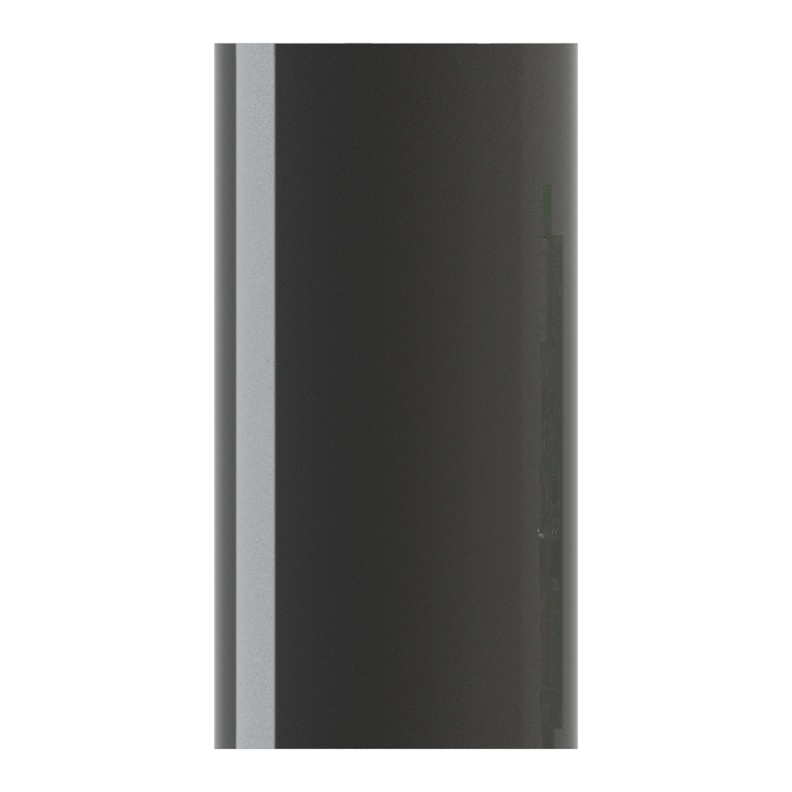
A fixed UWB sensor that gives moving tags their position. Runs for months on its built-in battery, or from mains power.
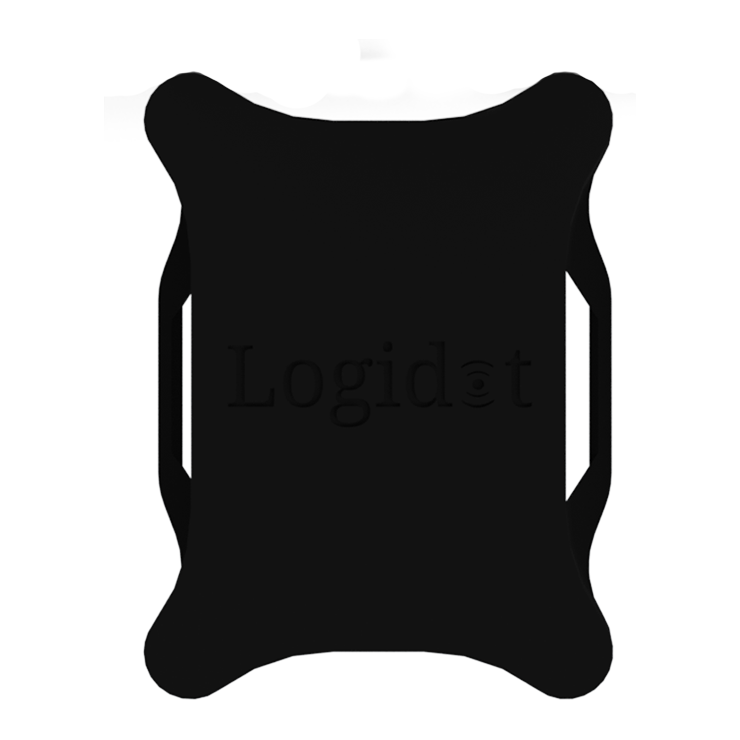
Interfaces with our gateway, integrates UWB, a 6-axis IMU (accelerometer and gyroscope) and GPS. Battery life of one week with the option to be attached directly to the vehicle power source.
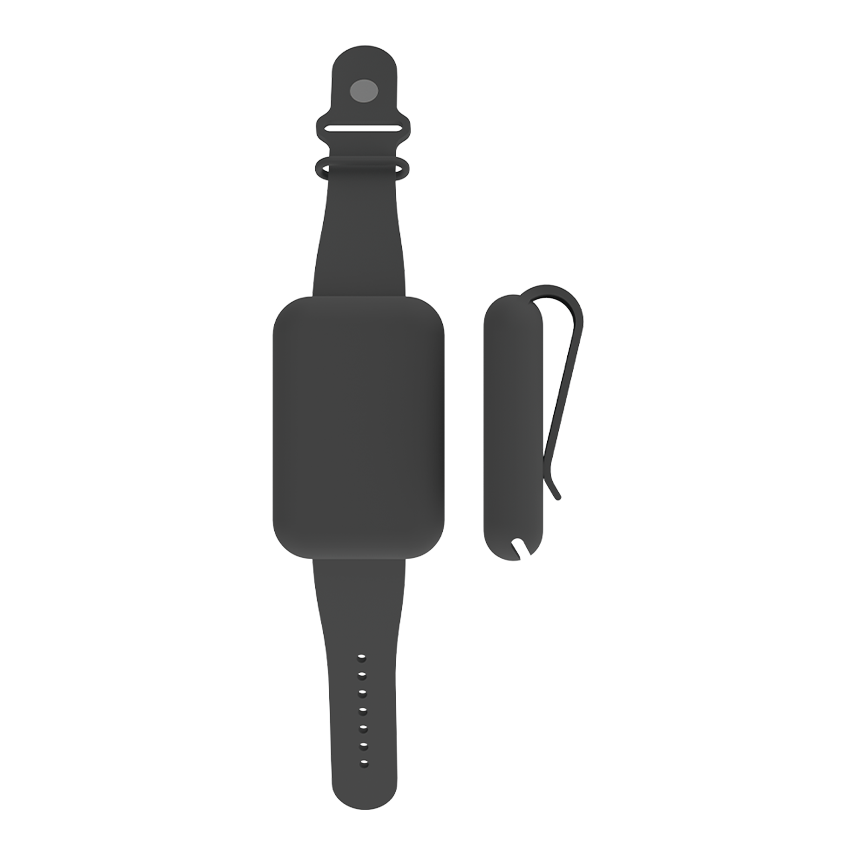
Interfaces with our gateway, integrates UWB and a 3-axis accelerometer. Battery life of one day.
The layer the other two stand on: tags on the vehicles and the people, anchors on the racking, a gateway off the floor. What they measure leaves the building once and arrives in the cloud as position, identity and status.
Unsere Echtzeit-IoT-Plattform liefert Standort-, ID- und Statusdaten für verschiedene Assets und führt zu messbaren Prozessen. Die Plattform ermöglicht es daher, Prozesse in Produktion und Logistik zu überwachen, zu optimieren und zu automatisieren. Die offene und hochelastische Architektur ermöglicht eine einfache Integration und einen schnellen ROI.
Anchors are the building’s reference points. Screwed, magneted or strapped to racking, columns and walls, each one ranges every tag in view over UWB — months on the internal battery, or wired into site power.
The gateway is the one box between the floor and the platform: it collects what the anchors hear and forwards it over whatever the site already has — Ethernet, Wi-Fi or a mobile connection.
A wearable tag puts the people on the floor on the same live map as the vehicles — UWB for position and a 3-axis accelerometer for what they are doing. A day on a charge, and nothing to operate.
Forklifts, pallet trucks and tugs carry a vehicle tag. UWB indoors, a 6-axis IMU for motion and GPS when the work goes outside — a week on battery, or taken straight off the vehicle’s own power.
Positions are shown on your own floor plan, with zones, dwell times and routes. Your WMS, ERP or MES can read the data over the API.
The architecture is open at the edge too. Sensors you already have — presence, environment, gates, scanners — stream in beside Logidot’s own, so one platform carries the whole picture.
RTLS
| Technologie | Richtigkeit | Erreichen | Ort | Anwendung | Daueranker | Dauer-Tag | Infrastrukturkosten | Einfache Bereitstellung/Nutzung |
|---|---|---|---|---|---|---|---|---|
| Wi-Fi | <20 m | <150 m | 2D | Mittel | Mittel | Niedrig | $$ | Hard |
| Bluetooth (BLE) | <6 m | <50 m | 2D | Mittel | Mittel | Hoch | $ | Easy |
| RFID/NFC | <10 cm | <1 cm | Punktuell | Niedrig | Niedrig | Passiv | $$$ | Hard |
| Existing UWB | <20 cm | <100 m | 2D/3D | Niedrig | Hoch mit TDoA | Niedrig | $$$ | Hard |
| Logidot | <20 cm | 65 m | 2D/3D | Hoch | Hoch mit TDoA | Hoch | $ | Easy |
RTLS

Bis zu 10 cm Genauigkeit in 3D und geringe Latenz
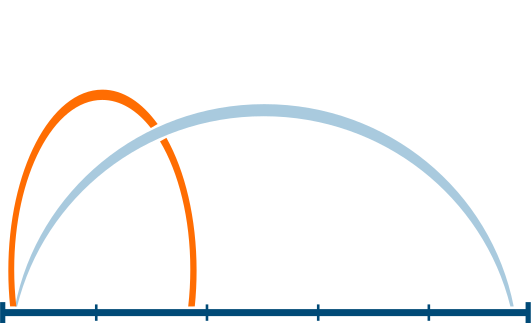
bis zu 16Hz
bis zu 50 m Abstand zwischen den Sensoren

gegen Reflexionen, Geräusche, Vibrationen und Stöße

Fügen Sie einfach weitere Beacons hinzu
kann in wenigen Minuten bereitgestellt werden
Where the work is done
The Logidot Cloud: the RTLS platform, the insight pipeline on it, the WMS across the top and the three surfaces
Hosted for you on Google Cloud, so there is nothing to install or keep running on site. The RTLS platform fuses every reading into one position per asset; on it, the analytics layer turns tracks into measures, the intelligence layer reads those measures against how the operation is meant to run, and the automation layer acts on what it finds — rules, alerts and the reports that go out on their own. The history is stored, backed up daily and encrypted end to end.
The system of record you already run
Stays where it is. The platform exchanges orders, stock, master data and positions with it in both directions, over the REST API.
Client-side applicationsThe operation, run forward
A model of your floor, run on this same pipeline before anything moves in the building.
SimulatorPositions become measures
Where tracks turn into the numbers an operation is run on: time by zone, travelled time against order fulfilment, spaghetti maps, utilisation and productivity. Analysed within five minutes of the movement itself.
Measures become judgements
What the analytics measure is read against how the operation is meant to run, so that a busy hour can be told from an unusual one and a pattern worth acting on from noise. It is what turns the numbers below it into the judgements the automation layer acts on — the three together are one pipeline, from position to insight to action.
Supervision, automated
Rules you set watch the live picture for you and flag the anomalies — a vehicle in a restricted zone, an asset that has not moved, a check that was skipped — while the reporting tool sends the regular numbers out without anyone assembling them.
What everything above stands on
The real-time location layer. UWB ranging from the anchors, motion from the tags and GPS where the work goes outdoors, fused into one position per asset against your own floor plan — 3D to 10 cm, up to 16 Hz, on screen within three seconds. Vehicles, goods, maintenance and people all arrive here first.
For the systems: WMS, ERP, MES
Everything the platform knows, readable by the systems that run the work, and their data coming the other way.
Client-side applicationsFor the office
The control tower on any desk: the live map, analytics, alerts and reports.
Client-side applicationsFor the floor
Logidot Operative for picking, and the checks and logs that belong on the floor.
Client-side applicationsWhere the operation is read
Desktop app, mobile apps and the REST API to the WMS / ERP / MES
Desktop app for the office, mobile apps for the floor, and a REST API for your WMS, ERP or MES.
For the office
The control tower on any desk, in Chrome, Edge, Firefox, Safari or Opera, with nothing to install: the live map, the analytics behind it, the rules and alerts, and the reports. Sign in from anywhere and the floor is on screen as it is now, with its history behind it.
For the floor
The platform in a hand on the floor. Logidot Operative guides picking on Android handhelds — batched orders, planned routes, every scan checked — and the mobile app carries the checks before a vehicle is used and the log of who used what, and when.
For the systems: WMS, ERP, MES
Everything the platform knows is available over REST, and the WMS, ERP or MES you already run exchanges data with it in both directions. Orders, stock and master data come in, so a position on the map is a pallet with an order behind it; position, identity and status go back, so the manual, error-prone steps around the WMS can be retired instead of adding another screen. Plugins for the most common providers, or an integration built for yours.
The arithmetic between a tag and a screen
Positioning, picking routes, safety rules and flow analytics on one aisle, to scale
Four pieces of the platform turn raw readings into what you act on. Each one below is what runs today: what goes in, how it works, what comes out, and one number from the code.
Particle filter
How it works
Each asset carries 250 guesses of where it is and how fast it is moving. Every fix re-weights them, trusted by its quality — an expected error from 2 m down to 1 cm — on a heavy-tailed curve, so one wild fix is out-voted rather than followed. Fixes well below the recent quality are dropped; a gap over 3 s or a jump over 5 m restarts the track; an estimate more than 100 m from the measurements is rebuilt.
250 position guesses per asset, re-weighted on every fix
Walking graph, batches, 2-opt
How it works
The free floor becomes a walking graph on a 1 m grid, kept 0.5 m clear of racking. Orders are batched into trips that fit the cart, with heuristics from our work with the University of Bath; each trip’s stops are ordered nearest-first, then improved by 2-opt swaps until none shortens the walk. A new order joins a trip under way only if it adds at most 30% to the walk that is left (the default; each site sets its own).
25% less walking, simulated on Northgate, our modelled reference DC
Rules on the position stream
How it works
Six kinds of rule: entering a zone, leaving one, a zone speed limit, a site-wide speed limit, idle too long, and near collision. Near collision compares every pair of assets seen within half a second of each other. Zone edges carry a margin — 0.5 m on UWB, 5 m on GPS — so an asset on the line does not flicker in and out, and the same pair does not alert twice within 3 s.
Critical Asset Forklift 3 in close proximity with asset Picker 7. Distance: 1.6m (allowed distance: 2.0m)
2 m near-collision distance every new site starts with, beside a 13 km/h speed limit
Activity model, minute summaries
How it works
A neural network reads each asset’s track and motion readings and labels it stopped, travelling or picking, committing only at 60% probability or more. Every minute, positions are binned into 0.5 m cells for the heat maps, distance is counted only while moving, and paths are thinned to 0.5, 1 or 2 m steps so a week of spaghetti map still draws.
0.5 m heat-map cells, summarised every minute
Your operation, run forward
A model of your floor you can ask questions of before anything changes on it. Every picker and vehicle is an agent walking your real aisles to your orders, and what comes out has the shape of live data — so it lands on the same live map and analytics as a real site.
Worked example · a real run
Northgate, as the run read it, and what two pickers and three made of the same day
2 pickers
Orders waiting 9
Done today 330
3 pickers
Orders waiting 3
Done today 336
The run itself, replayed: 15:40 to 16:00 of the first generated day, a busy stretch of the afternoon, at 20 times speed. Every dot on a rack is an item of an open order, waiting to be picked.
Average order lead time (min)
Slowest 10% of orders wait over (min)
Longest wait (min)
Pickers busy, 09:00–18:00 (%)
Walking per order (m)
A third picker cuts the longest order wait from 5.9 to 3.0 minutes. All 450 orders get done either way, and total walking doesn't change. Each picker is busy half the day instead of three-quarters.
Lead time runs from an order arriving to its items being dropped. Each day ran through the simulator engine on its own, in about 11 seconds.
Your site’s know-how, and your floor plan, read for you
A question, the documents it is answered from, and the answer
A chat panel in the dashboard. Ask in words, and it answers from the documents your organisation has given it — procedures, safety rules, equipment manuals, your own notes.
Illustrative exchanges. The answers come from your own documents, so yours will read differently.
A floor plan, one known distance, and the draft floor read from it
Setting up a floor starts from the drawing you already have. Upload it, or photograph a paper plan, in the Logidot mobile app: the reader finds the building outline, walls, racks and rooms, in metres, and lays them out as suggestions on a draft floor.
No plan at all? Tap your building on the map in the app and its outline comes from open map data (Overture Maps), ready to place.
Fordern Sie noch heute eine Demo an!
Demo anfordern