Skip to content
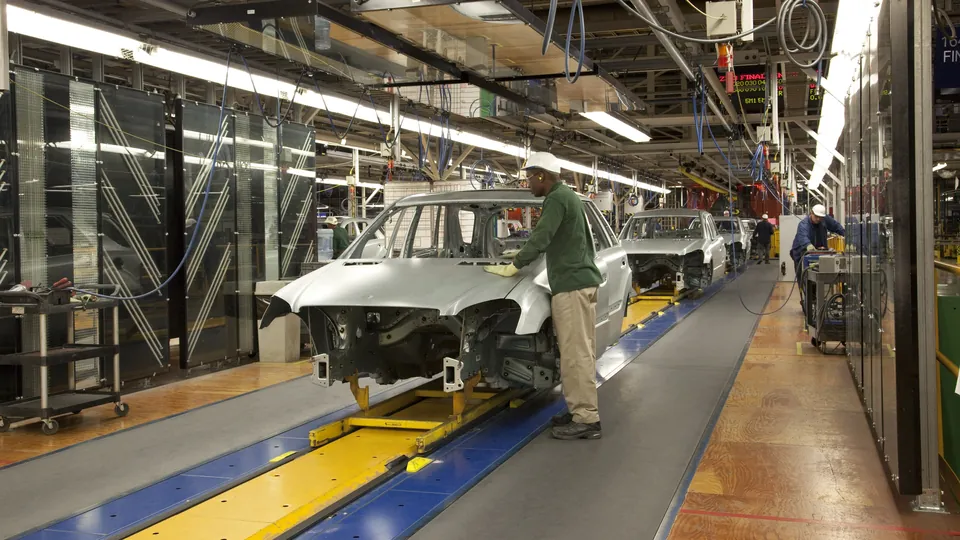
Car bodies moving down an assembly line in a vehicle plant, a worker in a hard hat at the first one

Fabbrica intelligente

See every forklift, tugger and operator on your factory floor.

Logidot tracks the vehicles, people and tools that move between goods-in, the lines and dispatch. Make shared aisles safer, see where material waits, and test a new layout before you move anything.

What slows a factory floor down

01

Trucks and people share the aisles.

Near misses at a crossing go unrecorded, until one of them is not a near miss.

02

Material waits.

Work in progress parks in a buffer, the line runs short, and nobody can say how long it sat there.

03

Faults are found late.

A truck with a fault keeps running because the report is on paper in the office.

04

Layouts move on instinct.

A cell or a rack is moved without data on how trucks and people actually travel.

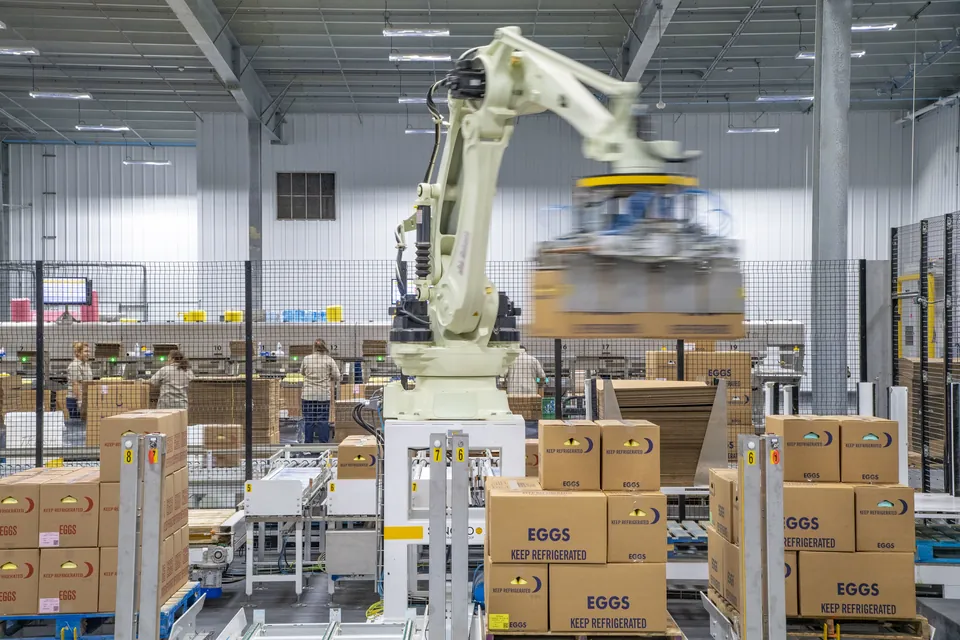
A robot arm stacking cartons onto pallets at the end of a packing line, workers at the line behind it

What we track in a plant

  • Forklifts, tuggers and pallet trucks A vehicle tag on each reports its position, its speed and any impact.
  • Operators A wearable tag puts people on the same map as the trucks they work beside.
  • Tools, trolleys and stillages Asset tags on the things that go missing between shifts.
  • The yard Optional multiband GNSS follows trucks outside, between buildings and the loading bays.
How the tags and anchors work →

What it does in a factory

Every feature below works from the same tracking data, on the same map of your plant.

01

Speed zones

Set a lower limit where trucks and people share space: crossings, aisles beside the line, goods-in. Every overspeed is logged with the truck, the time and the place.

Safety

5 km/h Zone A · 6 km/h dashboard.logidot.com/en/dashboard/map0D Map Live Player Raw A FL-03 Forklift 5km/h On the lane Limit 6 km/h Speed · last 20 s dashboard.logidot.com/en/dashboard0D Overview Operations overview Alerts · 0 View all No alerts
Illustration — simulated, not a customer measurement.

02

Impacts and near misses

The vehicle tag feels an impact and the platform logs it; replay the seconds before it on the map. Near-collisions are flagged too, so a bad crossing gets fixed before it hurts someone.

Safety

Impact detected Aisle crossing dashboard.logidot.com/en/dashboard/map0D Map Live Player Raw Assets FL-02 Impact FL-04 Impact Replay Impact detected FL-04 · FL-02 −6.0s from the impact FL-04 · acceleration · last 20 s dashboard.logidot.com/en/dashboard0D Overview Operations overview Alerts · 1 critical View all Impact detected Rule alert · FL-04 · FL-02
Illustration — simulated, not a customer measurement.

03

Geofencing and access

Draw a fence round a pedestrian-only area or a restricted cell. Every vehicle that enters or leaves is logged, and can raise an alert. Only authorised operators drive a tracked truck, with a log of who used which one and when.

Safety

Entered Packing area · no forklifts dashboard.logidot.com/en/dashboard/map0D Map Live Player Raw Packing area FL-05 Forklift Packing area Inside Pedestrians only Packing area · last 60 s −60 s now dashboard.logidot.com/en/dashboard/rules/?tab=alerts0D Rules & Alerts Review the alerts your rules trigger Rules Alert feed Notifications WarningFL-05 entered Packing areaPedestrians only · Geofence
Illustration — simulated, not a customer measurement.

04

Pre-use checks

The driver runs the truck’s checklist on the phone before the shift: tyres, forks, horn, lights, brakes, or whatever your procedure asks. If something fails, a breakdown is reported from the same app and the truck shows Down until it is fixed.

Safety

FL-01FL-02FL-03 06:00 Tasks Procedure Pre-shift check FL-02 · Forklift 3 / 5 Tyres Complete Failed Forks Complete Failed Horn Complete Failed Lights Complete Failed Brakes Complete Failed Submit dashboard.logidot.com/en/dashboard/assets0D Assets 3 active · 0 down · 0 in maintenance · 3 tracked Cards Table Schedule Map Total 3 UP 3 DOWN 0 Maintenance 0 UP DOWN FL-01 No check yet UP DOWN FL-02 No check yet UP DOWN FL-03 No check yet Showing 1–3 of 3
Illustration — simulated, not a customer measurement.

01

Live view and time machine

Every tagged truck, operator and tool on the plant map as it moves. Or replay any shift, second by second, to see what happened before a stoppage.

Flow and lean

Moving Loading Idle dashboard.logidot.com/en/dashboard/map0D Map Live Player Raw 01 02 03 On the floor Moving 1 Loading 1 Idle 1 dashboard.logidot.com/en/dashboard/assets0D Assets 3 active · 0 down · 3 tracked Cards Table Active 2/ 3 Moving 1 Utilisation 58%today Moving FL-01 Forklift Speed 9 km/h Loading FL-02 Forklift Where Dock 1 Idle FL-03 Forklift Idle for 14 min
Illustration — simulated, not a customer measurement.

02

Heat maps

Where trucks spend their time, where they stand idle and where they move fast. Congestion beside the line shows up as a hot spot.

Flow and lean

dashboard.logidot.com/en/dashboard/analytics0D Analytics Main hall Ground floor Forklifts Today 06:00 Today 14:00 Activity map Grid heatmap Plots Maps Tables Zone plots 8 min 30 s 0 s 5 m Total time · log scale
Illustration — simulated, not a customer measurement.

03

Spaghetti diagrams

Every route a truck or an operator took, drawn over the plan: the lean team’s spaghetti diagram without the clipboard. Pick a zone to see its visits and average dwell time.

Flow and lean

dashboard.logidot.com/en/dashboard/analytics0D Analytics Asset trajectories map Trajectories PlotsMapsTablesZone plots Asset name OP-04 OP-07 FL-02 Zones Picking A Picking B Dock Packing Last 2.5 minutes dashboard.logidot.com/en/dashboard/analytics0D Analytics PlotsMapsTablesZone plots Click on a zone to see its metrics Picking A Picking B Dock Packing Picking A Visits 30 Avg. dwell 48s Visits by asset OP-04 21 OP-07 9 FL-02 0
Illustration — simulated, not a customer measurement.

04

Zone flow and dwell

Each pick-up and drop-off is located, so you see how many loads move between goods-in, buffers, the lines and dispatch, and how long material sits in each zone.

Flow and lean

Receiving Storage Dispatch Every pick and drop, located dashboard.logidot.com/en/dashboard/analytics0D AnalyticsMovements between zonesPlotsMapsTablesZone plots Movements between zones · today Receiving Storage Dispatch 46 41 12 102 pallets moved today dashboard.logidot.com/en/dashboard/analytics0D AnalyticsMovements between zonesPlotsMapsTablesZone plots Number of movements between zones From Receiving From Storage From Dispatch To Receiving 0 0 0 To Storage 46 / 01:42 3 / 00:48 0 To Dispatch 12 / 01:10 41 / 02:05 0
Illustration — simulated, not a customer measurement.

01

Maintenance

Each truck’s open issues, maintenance history and documents in one place. A breakdown reported on the floor opens a task for the maintenance team, and the truck shows Down until it is fixed.

Start free with Smart Maintenance →

Upkeep and automation

FL-01 FL-02FL-03 Service bay dashboard.logidot.com/en/dashboard/assets0D Assets 3 active · 0 down · 0 in maintenance · 3 tracked Cards Table Schedule Map Total 3 UP 3 Down 0 Maintenance 0 UP MAINTENANCE FL-01 Service in 100 h UP MAINTENANCE FL-02 Service in 180 h UP MAINTENANCE FL-03 Service in 40 h Showing 1–3 of 3 dashboard.logidot.com/en/dashboard/tasks0D Tasks Board Table Timeline Capacity Map Open On Hold In Progress Completed T-3A1C Service FL-03
Illustration — simulated, not a customer measurement.

02

Rules and automated reports

Write a rule, such as a truck idle for more than 10 minutes in a zone, and it raises an alert by email or on the phone. Reports go out on a schedule, without anyone pulling them.

Upkeep and automation

FL-01 FL-02 Staging 17:36 dashboard.logidot.com/en/dashboard/rules0D Rules Add Rule Search rules or templates… All statuses Idle > 10 min in Staging Idle in zone Active Daily operations report Scheduled report Daily at 18:00 Speed Zone A · 6 km/h Speed zone dashboard.logidot.com/en/dashboard0D Overview Operations overview Alerts · 0 View all No alerts
Illustration — simulated, not a customer measurement.

Simulatore

Test a layout change before you make it

Draw the new layout, then run your fleet and a day’s work through it in the simulator. The run lands in the same heat maps and reports as a real shift, so you can compare before a rack is moved.

How the simulator works

On a real site

A loading bay at British Sugar

Velocity heat maps and spaghetti maps of the bay showed which forklifts were under-used and where the bottlenecks were.

"Logidot ci ha aiutato a identificare i carrelli elevatori sottoutilizzati, a dimensionare correttamente la nostra flotta e a formare meglio i nostri autisti."
Read the use cases →
British Sugar
Area coperta
575 m²
Sensori fissi
16
Numero di carrelli elevatori cingolati
3

Richiedi una demo oggi!

Richiedi demo

Richiedi una demo

Ottieni visibilità in tempo reale della tua flotta di movimentazione materiali, applicare la sicurezza e ridurre i costi operativi

  1. Parlateci del vostro sito

    Nome, email e azienda bastano per iniziare. Aggiungete altro se lo avete a portata di mano.

  2. Fissiamo una chiamata

    Qualcuno del nostro team vi risponde per concordare un orario comodo.

  3. Guardatelo su un sito reale

    Tracciamento in tempo reale, heatmap e analisi su un sito operativo, e cosa servirebbe per introdurlo nel vostro.

fino a
80%
Aumento degli spostamenti dei pallet
fino a
30%
Meno risorse fuori posto
fino a
70%
Meno incidenti da impatto
Aggiungi altri dettagli (facoltativo)

Non condivideremo mai la tua e-mail con nessun altro.